Hurry! Sale ends in:
Carplay Hub Wireless CarPlay USB Media Hub for Ford Lincoln SYNC3.4 Wireless CarPlay Supports iOS & Android Auto
Carplay Hub Wireless CarPlay USB Media Hub for Ford Lincoln SYNC3.4 Wireless CarPlay Supports iOS & Android Auto
Regular price
$119.99
Regular price
$119.99
Sale price
$139.99
Unit price
per
Couldn't load pickup availability

Carplay Hub Wireless CarPlay USB Media Hub for Ford Lincoln SYNC3.4 Wireless CarPlay Supports iOS & Android Auto
Regular price
$119.99
Regular price
$119.99
Sale price
$139.99
Unit price
per
📱 Core Features & System Requirements
- Main Function: Supports wireless Apple CarPlay and wireless Android Auto.
- Port Type: USB 3.1 Type-C module.
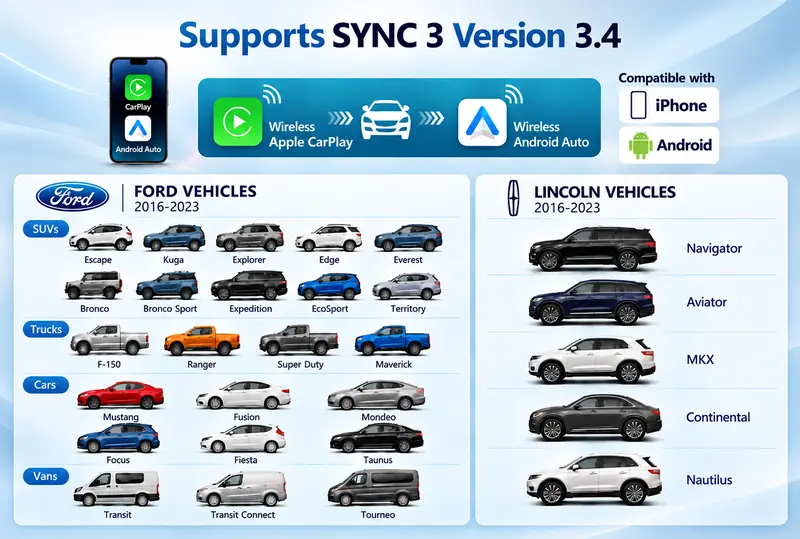
- Head Unit Requirement: Native compatibility with Ford / Lincoln SYNC 3.4 systems (2016–2023 models).
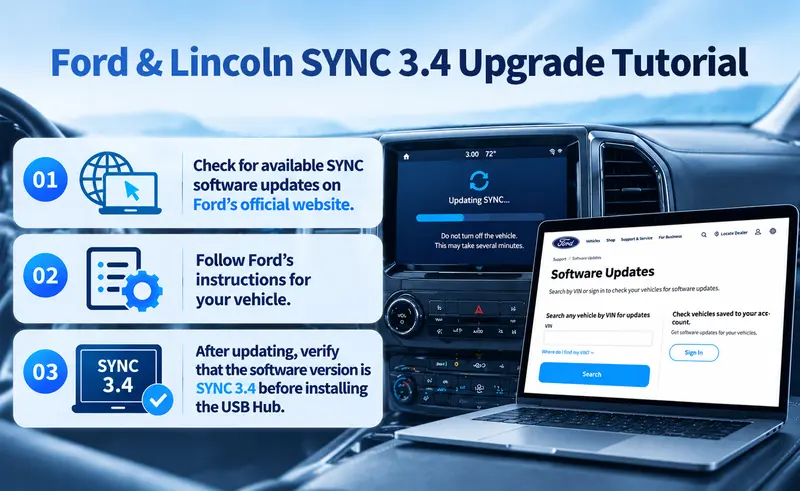
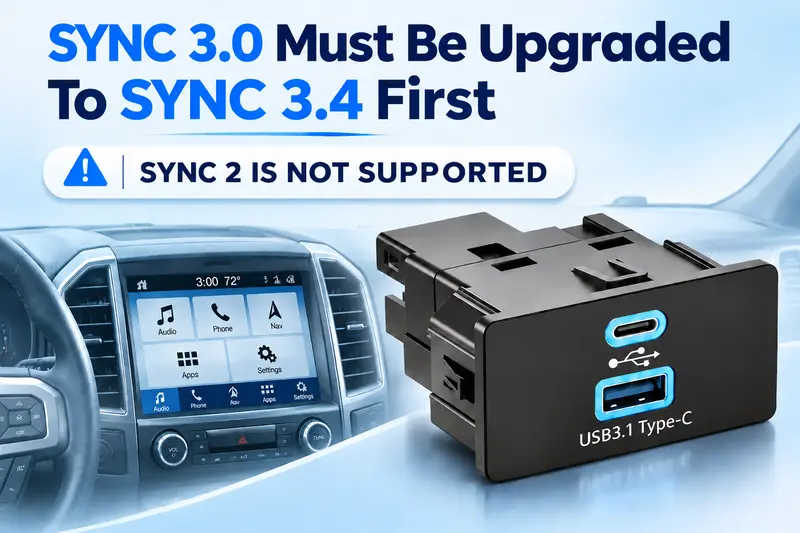
⚠️ Important Note: If your vehicle is currently running SYNC 3.0, it must be updated to SYNC 3.4 first in order for this product to function.
🚗 Compatible Vehicle List (2016–2023 Models)
1. Compatible Ford Vehicles
SUVs
- Ford Escape
- Ford Kuga
- Ford Explorer
- Ford Edge
- Ford Everest
- Ford Bronco
- Ford Bronco Sport
- Ford Expedition
- Ford EcoSport
- Ford Territory
Trucks
- Ford F-150
- Ford Ranger
- Ford Super Duty
- Ford Maverick
Cars
- Ford Mustang
- Ford Fusion
- Ford Mondeo
- Ford Focus
- Ford Fiesta
- Ford Taurus
Vans
- Ford Transit
- Ford Transit Connect
- Ford Tourneo
2. Compatible Lincoln Vehicles
- Lincoln Navigator
- Lincoln Aviator
- Lincoln MKX
- Lincoln Continental
- Lincoln Nautilus
Important Compatibility Notes
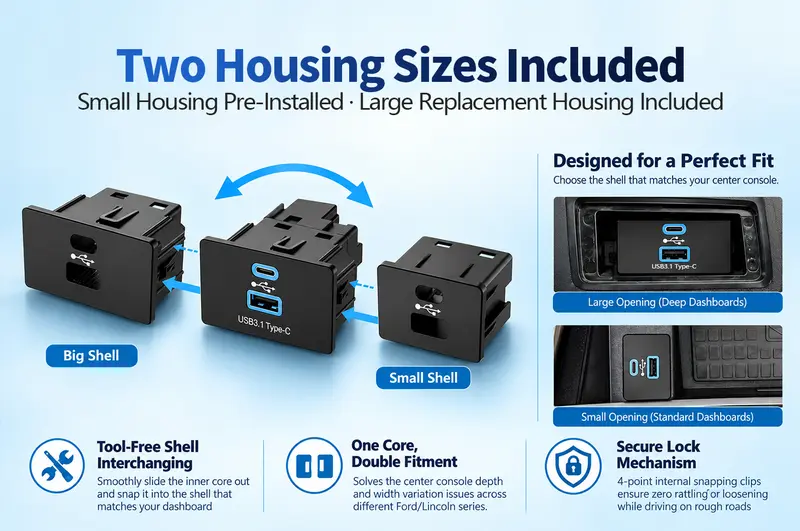
- Your vehicle must be equipped with the compatible SYNC 3.4 infotainment system.
- Vehicles running SYNC 3.0 require a system update to SYNC 3.4 before installation.
- Compatibility may vary depending on the model year, trim level, and factory-installed infotainment system.
- Please verify your vehicle's SYNC version and original USB port configuration before purchasing.
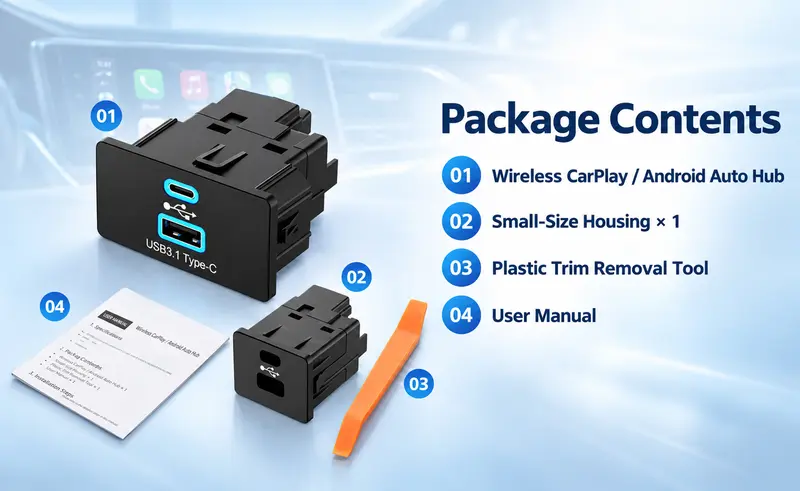
FORD &LINCOLN SYNC 3.4
WIRELESS CARPLAY&ANDROID AUTO USB HUB
1.Product Overview
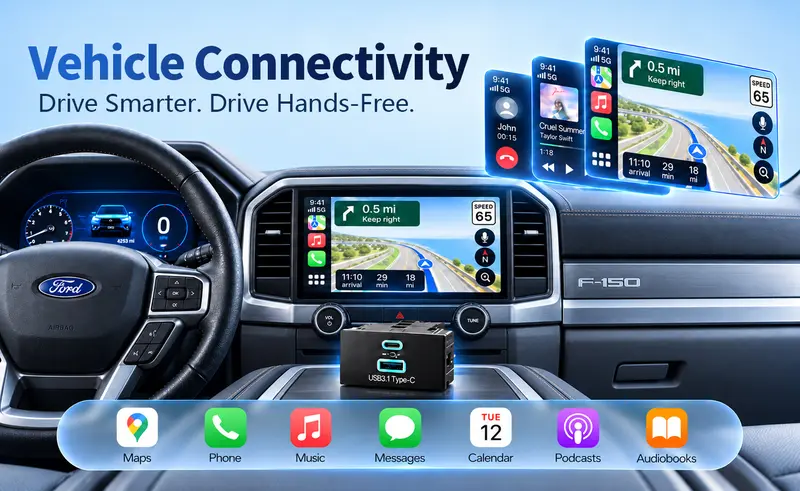
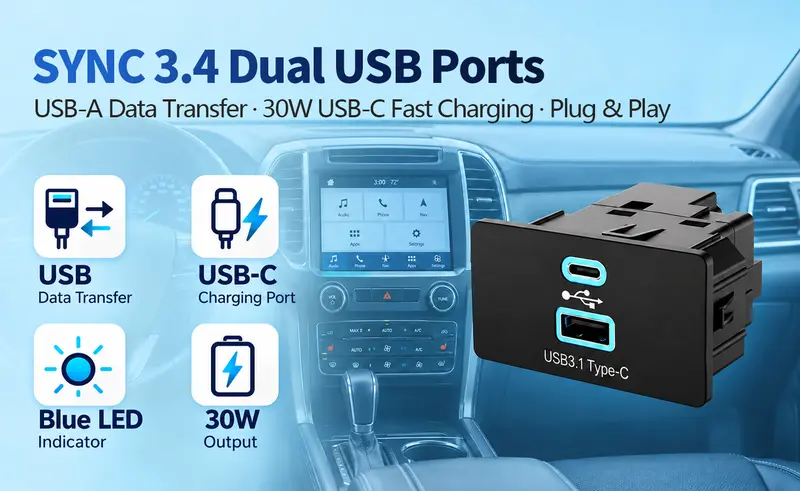
The MYRANCO Ford &Lincoln SYNC3.4 USB Hub adds wireless Apple CarPlay and Android Auto connectivity while maintaining an OEM-style appearance.It connects through the vehicle's original USB connection without cutting or modifying the factory wiring.
2.Feature Description
Wireless connectivity
Wireless Apple CarPlay and Android Auto
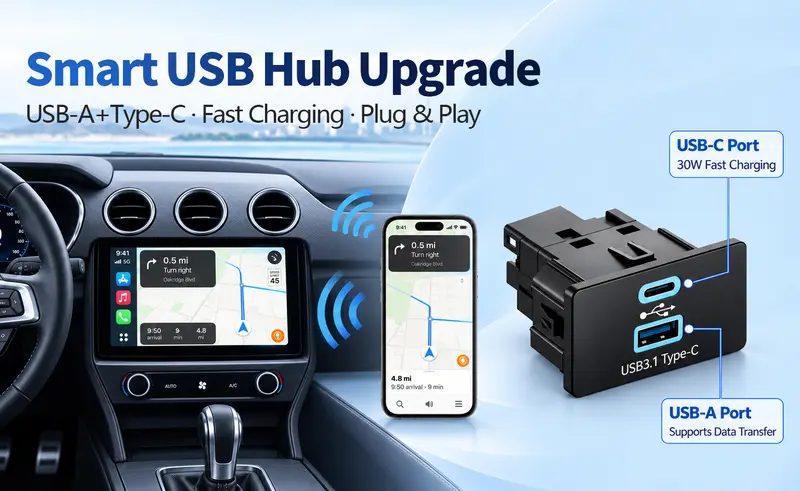
USB-A port
Play music from a compatible USB flash drive
USB-C port
USB Power Delivery charging upto 30W
OEM-style lighting
Ice-blue LED illumination
Installation
Plug-and-play design;no cuting of factory wiring
3. Wireless Apple CarPlay Setup
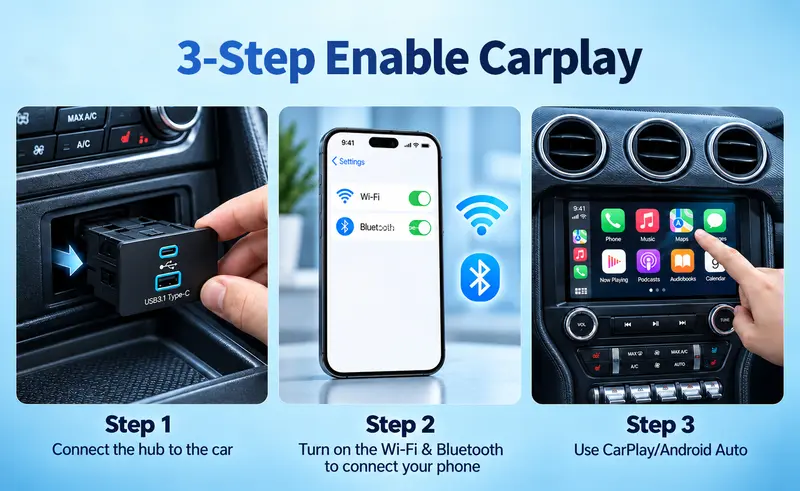
- Start the vehicle and wait for SYNC 3.4 to finish booting.
- Make sure Apple CarPlay is enabled in your vehicle's SYNC settings.
- Turn on Bluetooth and Wi-Fi on your iPhone.
- Open Bluetooth settings and search for the USB Hub. The device name will appear as SYNC3_XXXX, where XXXX represents the device-specific characters.
- Select the device and approve the Bluetooth pairing request.
- When prompted, allow and enable Apple CarPlay on your iPhone and vehicle screen, if applicable.
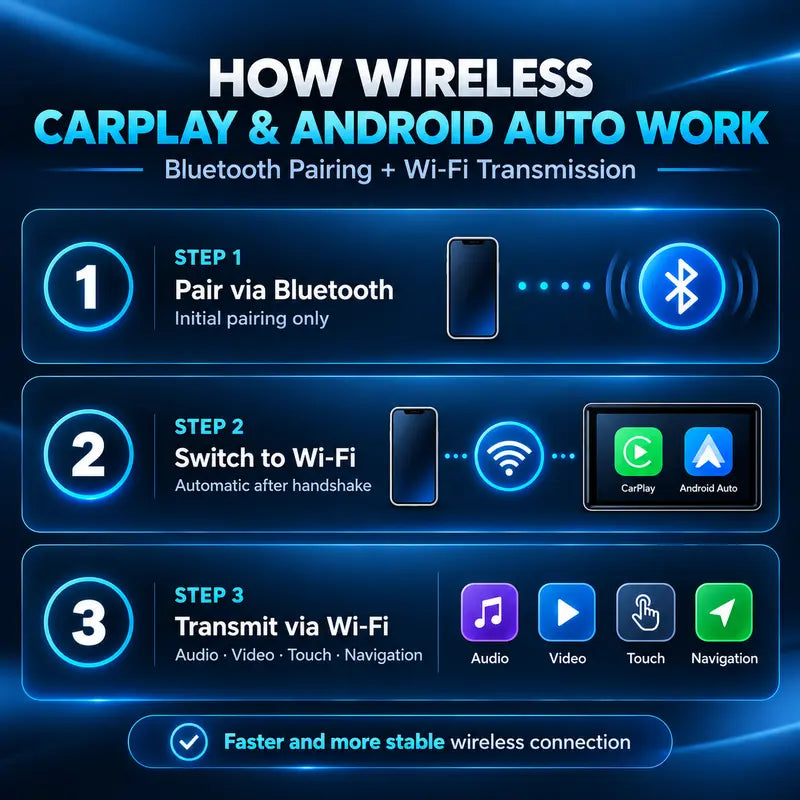
- After initial Bluetooth pairing and the connection handshake, the USB Hub uses Wi-Fi to transmit wireless CarPlay data, including audio, navigation information, and touch-control commands.
- Keep Bluetooth and Wi-Fi enabled during normal wireless operation.After setup, your iPhone should reconnect automatically when the vehicle and phone are ready. If connection fails, remove the previous Bluetooth pairing and CarPlay connection, restart the phone and vehicle system, and pair again.
4. Wireless Android Auto Setup
- Confirm that your Android phone supports wireless Android Auto.
- Enable Bluetooth and Wi-Fi on your phone.
- Start the vehicle and wait for SYNC 3.4 to finish booting.
- Open Bluetooth settings and search for the USB Hub's device name, SYNC3_XXXX, where XXXX represents the device-specific characters.
- Select the device and follow the pairing instructions.
- Approve the required Android Auto permissions and connection prompts.
- After initial Bluetooth pairing and the connection handshake, the USB Hub uses Wi-Fi for wireless data transmission.
- Keep Bluetooth and Wi-Fi enabled during normal wireless operation.
- If the connection fails, remove the previous pairing, restart the phone and vehicle system, and repeat the setup process.